
Understanding Browser-Native AI Tools: A Guide to WebMCP for Beginners
Introduction to Browser-Native AI Tools
In the rapidly evolving world of technology, browser-native AI tools like WebMCP are transforming how we interact with web applications. These tools offer seamless integration and enhanced capabilities directly within your browser, eliminating the need for additional software installations. For beginners, understanding these tools can open up new possibilities for productivity and creativity.
WebMCP stands out as a pioneering platform that leverages artificial intelligence to enhance user experience within web browsers. Whether you're a developer, designer, or a casual user, understanding how to utilize WebMCP can significantly boost your efficiency.
What is WebMCP?
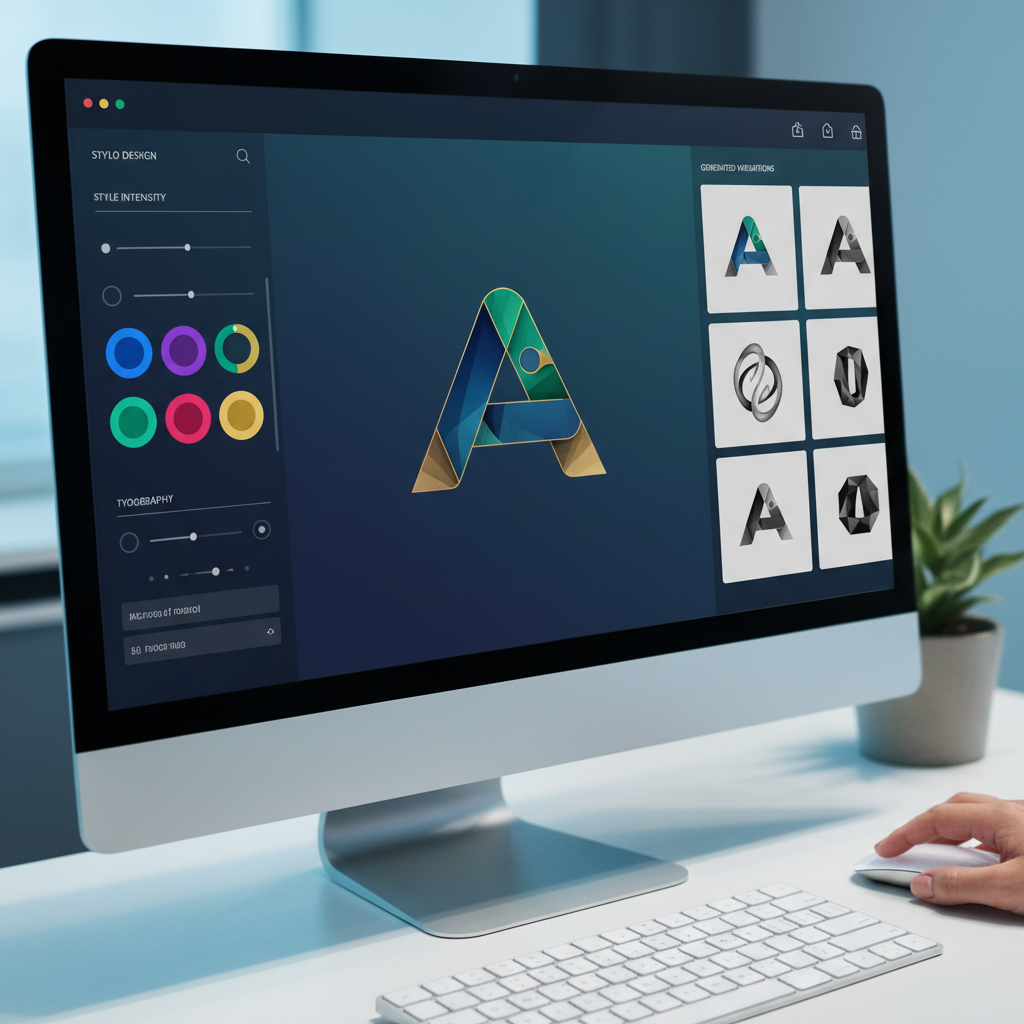
WebMCP is a cutting-edge browser-native AI tool that integrates seamlessly with your existing web applications. It provides a range of functionalities, from data analysis to content generation, all directly accessible from your browser. This integration means users can perform complex tasks without leaving their current workflow.
The platform is designed to be intuitive, making it accessible even to those with limited technical knowledge. By understanding its core features, you can begin to explore its full potential and incorporate AI-driven solutions into your everyday tasks.
Key Features of WebMCP
WebMCP offers a variety of features that cater to different needs. Here are some of the most notable:
- Automated Data Analysis: Quickly analyze large data sets and generate insights with ease.
- Content Generation: Create high-quality content effortlessly, from blog posts to marketing materials.
- Enhanced Security: Benefit from robust security measures that protect your data.

Getting Started with WebMCP
Starting with WebMCP is simple. First, ensure your browser supports the platform by checking the official documentation. Most modern browsers are compatible, making access straightforward. Once confirmed, you can install the WebMCP extension or follow the setup instructions provided on their website.
After installation, familiarize yourself with the dashboard. The user-friendly interface is designed to help you navigate through various features effortlessly. Spend some time exploring the tools available to understand how they can fit into your workflow.
Practical Applications
WebMCP can be applied in various scenarios, enhancing productivity across different domains. For instance, developers can use it for code optimization, while marketers might leverage its content generation capabilities to streamline their campaigns.
By integrating WebMCP into daily operations, you can reduce the time spent on repetitive tasks and focus on more strategic initiatives. This not only boosts efficiency but also allows for more creative problem-solving.

Conclusion
Understanding and utilizing browser-native AI tools like WebMCP can revolutionize the way you work. By offering advanced AI capabilities directly within your browser, these tools make sophisticated technologies accessible to everyone, regardless of technical expertise.
As you explore WebMCP, keep experimenting with its features to discover new ways it can benefit you. With ongoing advancements in AI, staying informed and adaptable will ensure you remain at the forefront of technological innovation.